
Updated: 10 Oct 2026
WhatsApp Bot for Appointment Booking: From the Call to a WhatsApp Confirmation
A WhatsApp bot for appointment booking sends the owner a summary of the call and the customer a written confirmation of the appointment, straight to WhatsApp, with nobody typing. At Azorly, after every call the digital assistant answers you get who called, what they wanted and what is urgent, and a booking request arrives with an approve button; once you approve, the customer gets a confirmation with the treatment and the time. 99% of Israelis use WhatsApp, a service message on the WhatsApp Business API costs about $0.006, and the spam law allows it without separate consent as long as it carries no advertising.
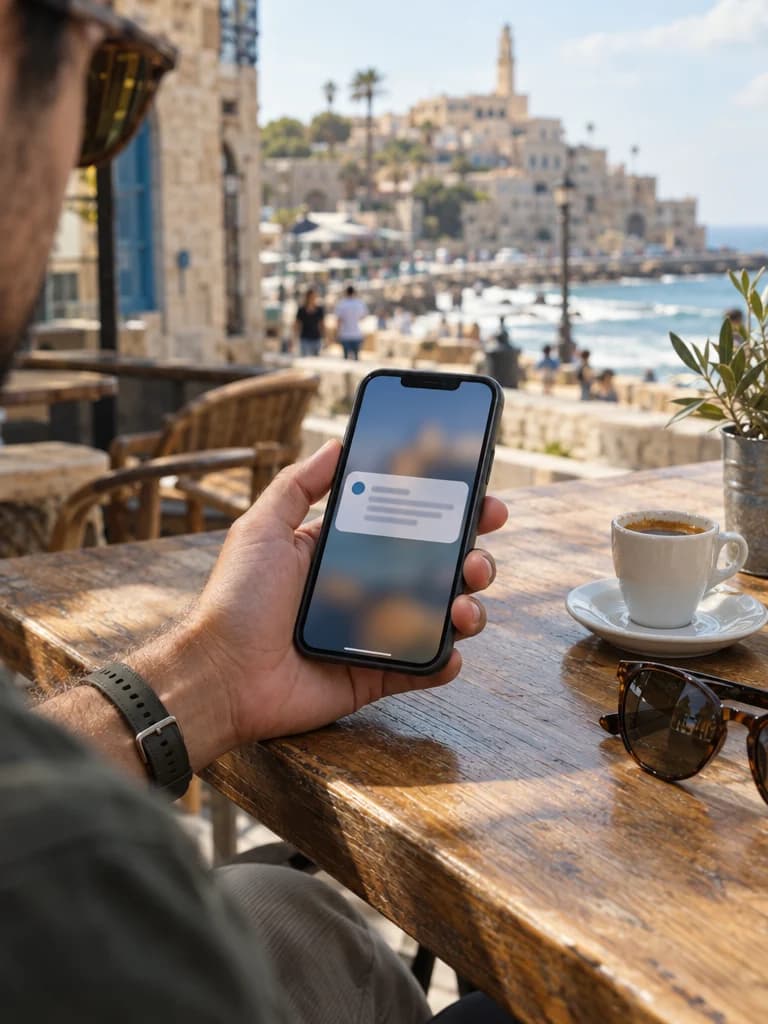
In Israel, WhatsApp is the small business's working channel. According to the Israel Internet Association survey, 99% of Israelis use it, and SMS has become the channel of banks and verification codes. That is why Israeli AI answering services send summaries to WhatsApp first, and Azorly sends them only there. This page explains what gets sent, to whom, what it costs and what the law allows.
What Azorly's WhatsApp bot does
At Azorly the conversation happens on the phone, and WhatsApp is the paper trail. The digital assistant answers, understands and logs, and from there up to three messages go out.
- A summary for the owner: who called, the phone number, the request, the urgency level and a link to the inquiry in the dashboard with the recording and transcript. Sent within seconds of the call ending.
- A booking request for the owner: what the caller asked for and when suits them, with an “Approve” button and an “I'll call back” button.
- An appointment confirmation for the customer, once you approve: the treatment, the time and the business's phone to change or cancel. Sent only if the customer agreed to it on the call.
These are service messages: they relate to an action the customer asked for, and they contain no promotion. That is what separates them from advertising, and the distinction matters for both the law and the cost.
What the messages look like
| Message | To | Example | Status under the spam law |
|---|---|---|---|
| Call summary | The owner or team | “New call for Dr. Levi's clinic. Caller: Ronit, phone 052-1234567. Summary: root canal appointment, asking for this week. The full summary, recording and transcript are waiting in your dashboard.” | Internal, outside the restriction |
| Booking request | The owner or team | “New booking request for Dr. Levi's clinic. Caller: Ronit, phone 052-1234567. What: root canal. When: this week, after 16:00. Approve this booking?” with “Approve” and “I'll call back” buttons | Internal, outside the restriction |
| Appointment confirmation | The customer | “Hi Ronit, your appointment at Dr. Levi's clinic is confirmed. Details: root canal, Wednesday 12.11 at 9:30. To change or cancel, call the business at 03-5551234.” | Service message, allowed without separate consent |
From call to message: what happens behind the scenes
From hang-up to the WhatsApp ping
- 1
The call ends
The assistant has finished talking with the customer. The recording and transcript are already on their way to the dashboard.
- 2
A structured summary
From the transcript a summary is built with fixed fields: name, phone, reason for calling, classification (lead, customer, urgent, supplier, spam), the promised next step.
- 3
Summary to the owner
The summary goes to the WhatsApp of whoever you defined. On an urgent call the message is marked as such and sent to everyone on the urgent list.
- 4
Confirmation to the customer
When you approve a booking request with one tap, a confirmation template with the details goes to the customer, if they agreed to it on the call.
- 5
Status in the dashboard
The inquiry appears with status “new”. The team approves, changes or closes it, and everything stays in the dashboard.
What a business WhatsApp message costs
Since 1 July 2025 Meta bills per delivered template message rather than per conversation. The price depends on category and country, and Israel is relatively cheap. By comparison, an international SMS through Twilio costs 40 times more and never reaches a landline at all.
| Channel | Category | Price per message | Notes |
|---|---|---|---|
| WhatsApp Business API (Meta) | Utility (confirmation, summary) | $0.00636; on the rate card from 1 Oct 2026: $0.0061 | Free inside a 24-hour service window the customer opened |
| WhatsApp Business API (Meta) | Marketing (promotions) | $0.04236; from 1 Oct 2026: $0.0406 | Subject to the spam law: consent, the word “advertisement”, opt-out |
| WhatsApp Business API (Meta) | Authentication (verification code) | $0.00636; from 1 Oct 2026: $0.0061 | For login and verification codes; Azorly does not use this category |
| Israeli provider (Micropay) | WhatsApp API | ₪149 a month incl. 10,000 outgoing messages, then ₪0.01 per message | Meta fees billed separately; before VAT |
| Twilio SMS to Israel | SMS | $0.2575 per segment | No SMS to landlines; an alphanumeric sender ID needs about a week of registration |
Per call: a summary to the owner and a confirmation to the customer are two Utility messages, about ₪0.05 together. The same two messages by SMS through Twilio would cost about ₪1.90. That is why owner summaries are included in every Azorly plan, from ₪199 a month + VAT, and customer confirmations are part of the booking flow.
The spam law: what may be sent without consent
Section 30A of the Communications Law prohibits sending “advertising” by SMS, email, fax, automated dialing or WhatsApp without explicit prior written consent. Compensation to the recipient reaches ₪1,000 per message with no proof of damage, and class actions over it are common. The distinction that matters for a small business is between service and advertising.
| Message | Status | What is required to send it |
|---|---|---|
| Appointment confirmation, reminder, rescheduling | Service | Nothing beyond the appointment the customer asked for |
| “We saw you called, we will call back by 16:00” | Service | No promotion inside the message |
| Call summary to the owner | Internal | Nothing |
| “Whitening at 20% off this month” | Advertising | Explicit prior consent, the word “advertisement” at the start, sender name and details, a simple way to opt out |
| “Come back, we missed you” with a perk | Advertising | Same; the existing-customer exception applies only if, at purchase, they were told their details would be used for marketing and given a chance to refuse |
WhatsApp only, or phone plus WhatsApp
Many small businesses moved to WhatsApp only, and lose the customers who want to talk: people driving, older people, and anyone whose matter is urgent. The combination works the other way round: the assistant answers the phone and runs the conversation, and WhatsApp carries what needs to be kept in writing. The customer talks and gets a confirmation. You do not talk and get a summary.
- For a customer without WhatsApp the assistant repeats the request details on the phone, and the business confirms the appointment in a callback.
- SMS remains a backup channel only, because of its price and because it cannot be sent to a landline.
- Messages go out from a WhatsApp Business Platform account carrying the business's name, so the customer knows who it is from.
Call, book an appointment, and watch the confirmation arrive
Give customers a WhatsApp confirmation, and yourself a summary
First month for ₪99, phone number included. WhatsApp summaries are included in every plan, from ₪199 a month + VAT.
Start: first month for ₪99FAQ
Sources
- 99% of Israelis use WhatsApp: Israel Internet Association survey (ice.co.il) (accessed 2026-10-04)
- Meta: WhatsApp Business Platform pricing (accessed 2026-10-04)
- Gallabox: WhatsApp rate card by country, Israel row (accessed 2026-10-04)
- Twilio: changes to WhatsApp pricing, July 2025 (accessed 2026-10-04)
- Twilio: SMS pricing for Israel (accessed 2026-10-04)
- Micropay: SMS and WhatsApp API price list (accessed 2026-10-04)
- Spam law: compensation for advertising sent without consent (Kol Zchut) (accessed 2026-10-04)
- The spam law (Hebrew Wikipedia) (accessed 2026-10-04)